
 Join our Discord
DynaDev Trader System
Advanced Buying, Selling & Trading System for RedM
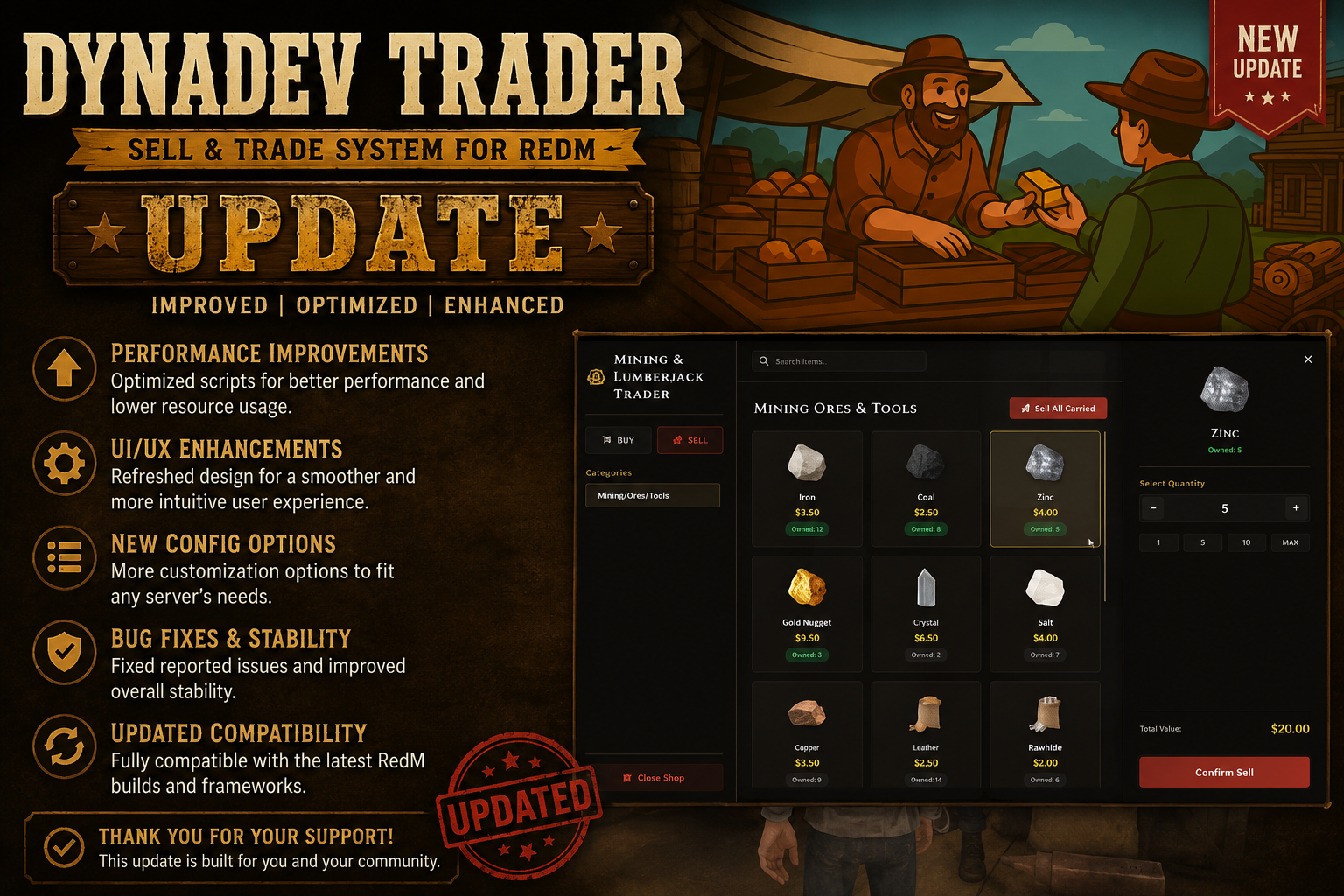
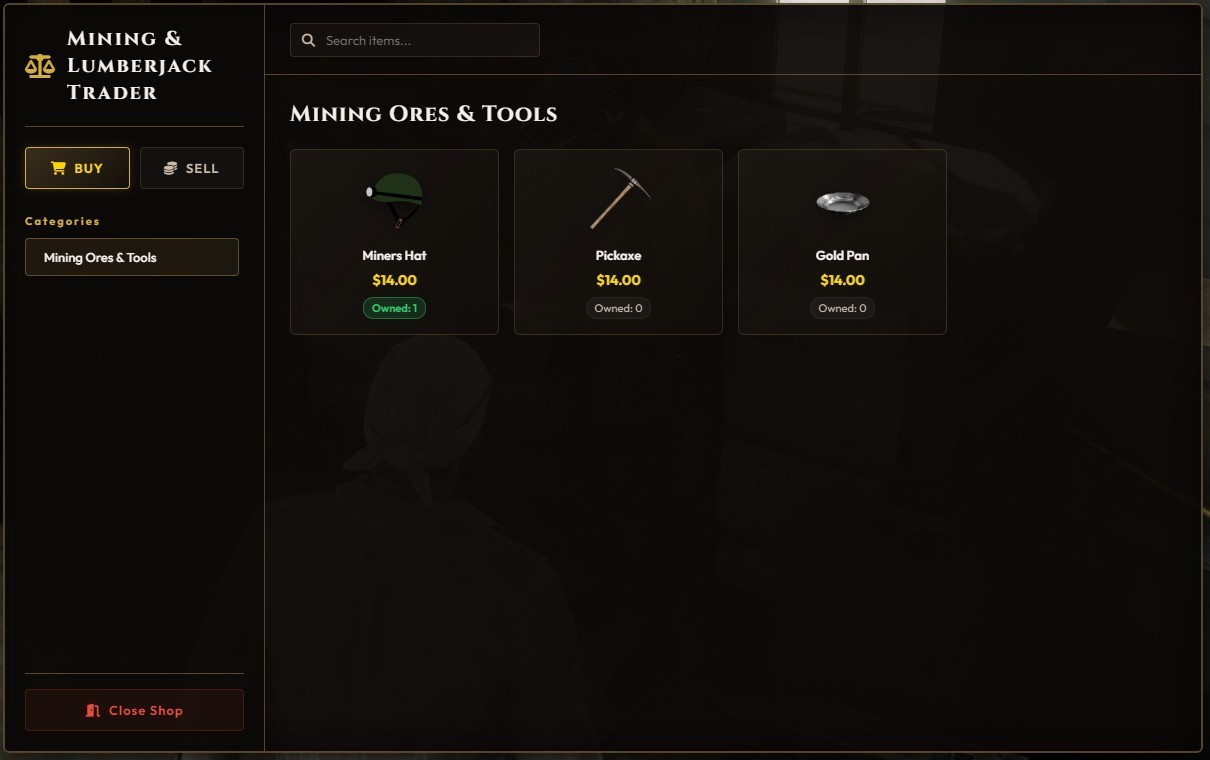
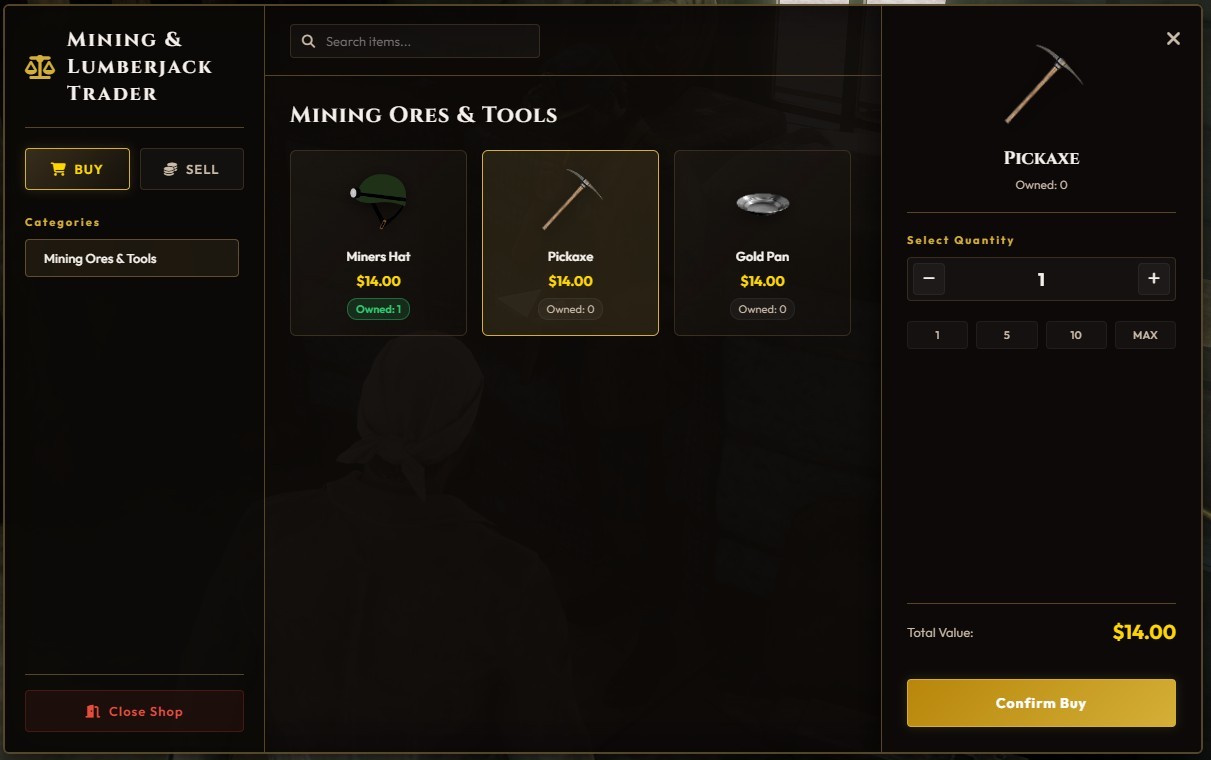
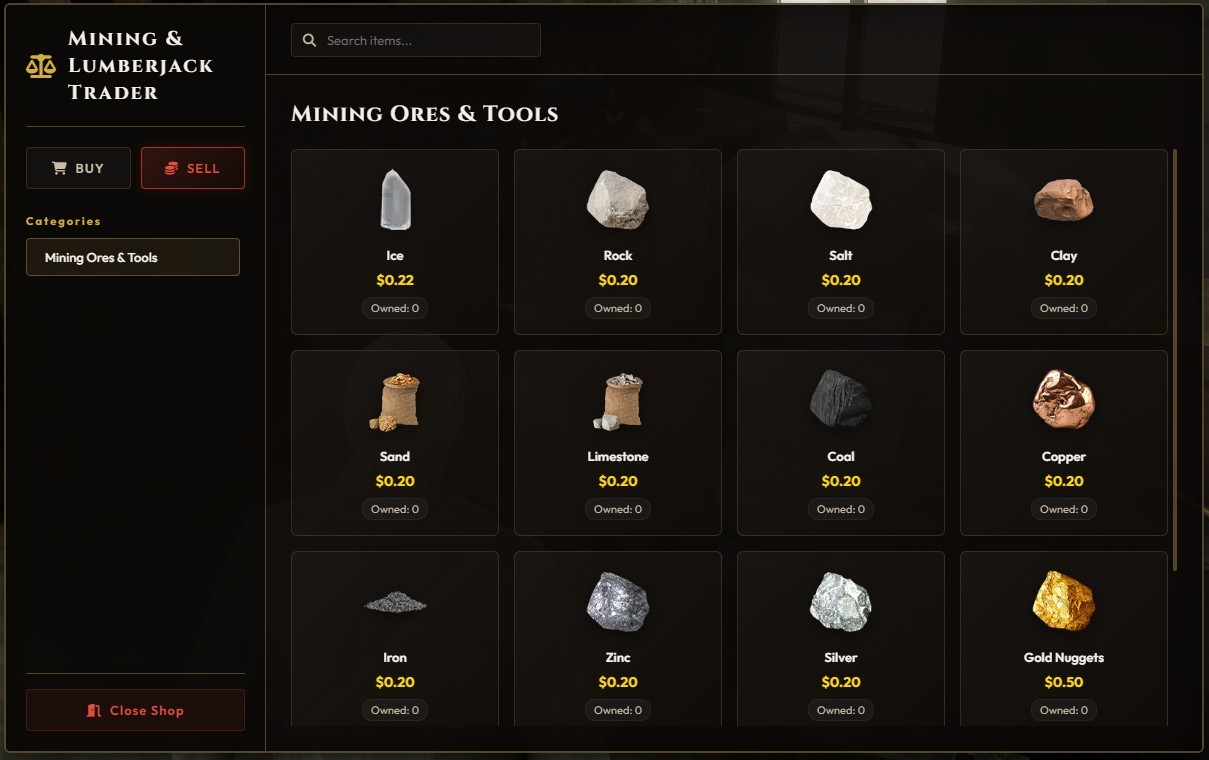
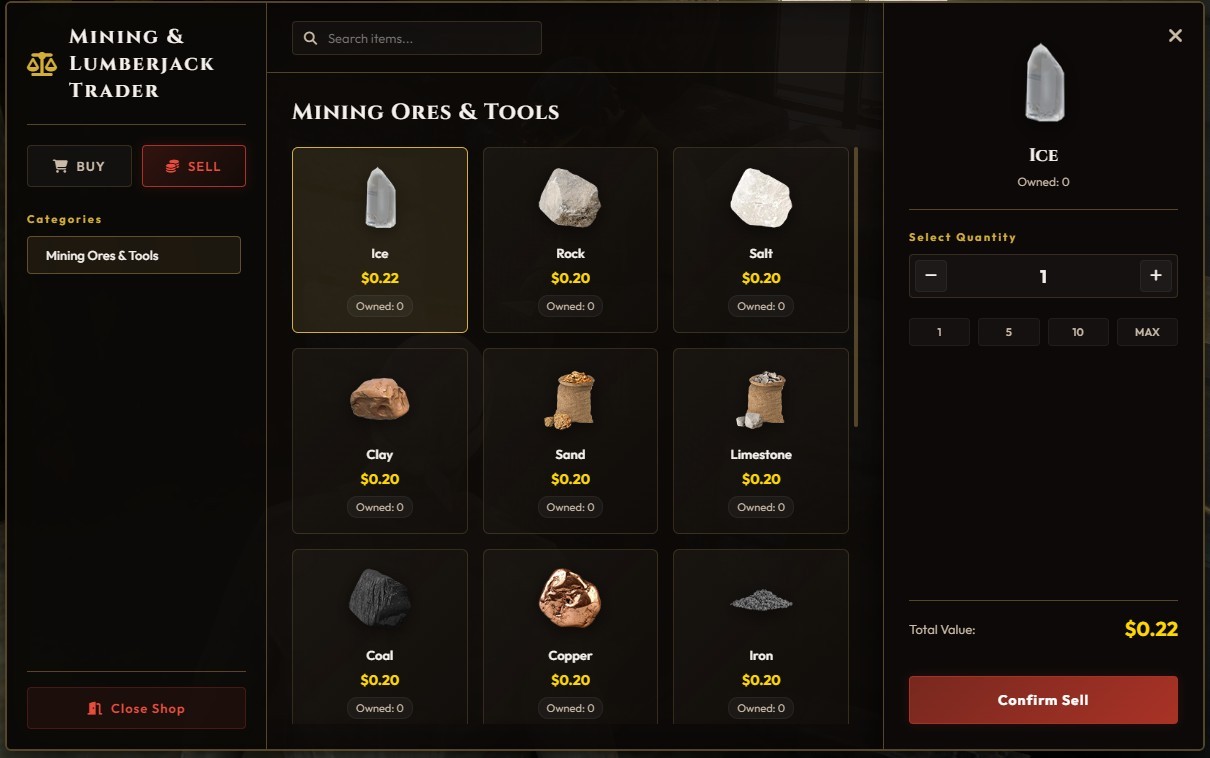
Turn your RedM server into a living, dynamic economy! Players can buy tools/weapons and sell mining, wood, or crafted items directly to Trader NPCs using a gorgeous, custom-built HTML/CSS/JS (NUI) interface.
Also, there is the option of exchanging items to the Traders in order the players to get specific items from the config file.
Fully responsive and optimized for a premium roleplay experience.
Protected by Cfx.re Escrow
⚙️ Core Features
-
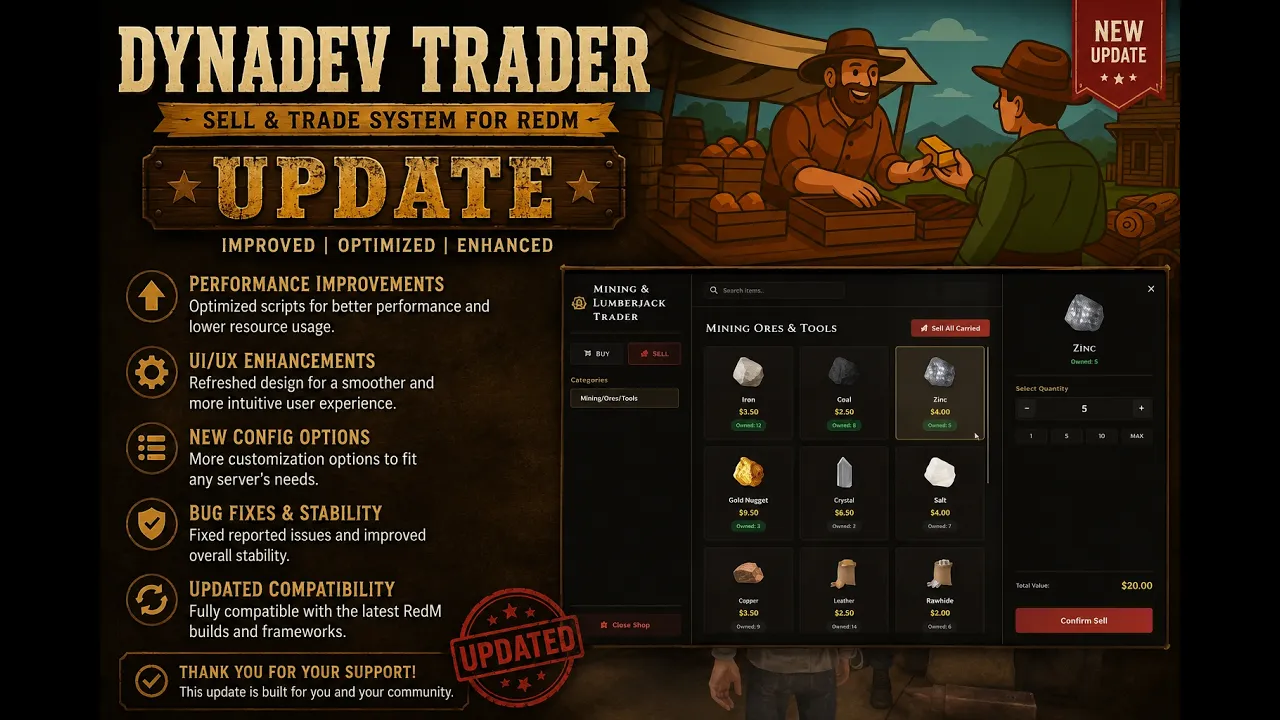
🖥️ New Custom NUI Interface – A beautiful, modern, and fully responsive custom HTML/CSS/JS interface. (Optional: Easily toggle between the NUI or the classic
ox_libmenu!) -
📦 Bulk Sell Feature – Players can sell all owned items in a category at once, with an interactive checklist to exclude specific items they wish to keep.
-
🩸 Black Market & Dual Currency – Built-in support for standard Cash and Blood Dollars (bloodmoney), along with custom item exchange/crafting requirements.
-
⏰ Store Operating Hours – Configure custom opening and closing hours for each trader NPC separately.
-
🧍 Trader NPCs – Spawn custom NPCs at locations you define with custom models and animations.
-
📝 Job-Restricted Categories – Set required jobs in order to view specific buy & sell menus (e.g., only miners can see the mining category).
-
💼 No SQL Dependencies – Extremely lightweight. Everything runs locally and efficiently directly from your
config.lua. -
🎯 Two Interaction Modes:
-
Prompt Mode – Hold a key near the trader NPC to interact.
-
Target Mode – Interact via
ox_targeton the NPC.
-
-
🖌️ Fully Customizable – Easily customize theme colors, NPC models, blips, names, and map markers.
-
🌍 Multilingual Support – Ready-to-use translation files (English, Greek, German, Spanish, French, Arabic). You can easily add your own language!
-
🔔 DynaDev Premium Notification System
-
🔔Additional Features Added 🔔
- Shop Hours (Enabled / Disabled)
- Shop Opening Hours
-
Shop Closing Hours
-
Blip Colour for Opened Shop (green)
- Blip Colour for Closed Shop (red)
- General blip colour (you choose your preferred colour) if shop hours disabled
🧭 Configuration Options (config.lua)
All options are fully editable in shared/config.lua:
-
Set your framework:
Config.Framework = 'RSG' -
Choose your notification system:
ox_lib,RSG -
Toggle between the custom NUI or original
ox_libmenu layout -
Add unlimited custom Trader locations (vector4)
-
Customize categories, items, prices, and required exchange materials
🪓 Example Use Cases
-
Mining & Lumberjack traders
-
Hunting & Farming item traders
-
Black Market & Contraband / illegal dealers
Each trader can have its own completely unique item list, category restrictions, and prices.
🧩 Framework Compatibility & Requirements
-
✅ RSG Framework
-
⏳ **VORP Framework **— Coming Soon!
-
⏳ TPZ Core Framework — Coming Soon!
-
✅ Requires:
ox_lib -
🟡 Optional:
ox_target(required only if Target Interaction Mode is enabled)
💽 Quick Installation (Under 2 Minutes)
1️⃣ Drop the folder into your server's resources/ directory.
2️⃣ Ensure the dependencies (ox_lib, and ox_target if used) are started before the script.
3️⃣ Add ensure DynaDev_Trader to your server.cfg.
4️⃣ Configure your items, NPCs, and language in config.lua!
📺 Showcase Videos
🎬 Original Showcase Video - View the basic features, config, and installation.
🎬 Script Update & New UI Showcase - View the brand-new custom UI, Bulk Sell, and other major additions.